
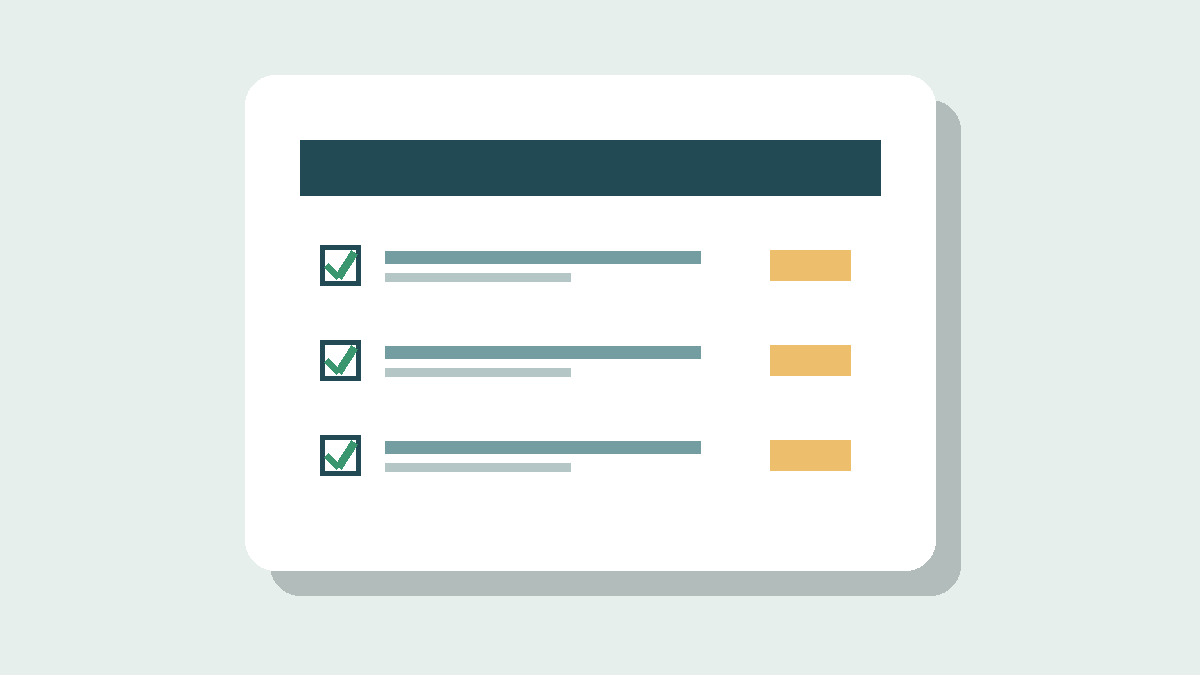
A meeting action items tracker is a simple way to turn meeting decisions into work that actually gets finished. This guide includes a copyable spreadsheet layout, realistic examples, a follow-up routine, and formulas you can adapt without purchasing software.
On this page
Why meeting action items get lost
Meeting notes often record what people discussed, but they do not reliably record who agreed to do what. A phrase such as “follow up on onboarding” sounds actionable until three colleagues interpret it differently. A useful meeting action items tracker turns each commitment into a specific deliverable with one accountable owner, a realistic due date, and a visible status. The goal is not to create extra administration. It is to make the next step clear enough that the work can continue without another meeting. This guide focuses on a lightweight tracker you can copy into a spreadsheet or shared document, rather than a complex project-management system. It is especially useful for recurring team meetings, client check-ins, and cross-functional work where small promises are easily forgotten.
The seven fields every action item needs
Use these columns: Action ID, deliverable, owner, due date, status, blocker or dependency, and last update. An action ID such as ACT-014 makes it easier to refer to an item without copying its full description. The deliverable should describe a result that another person could verify. “Draft the onboarding email and share it for review” is stronger than “work on onboarding.” Assign exactly one accountable owner even when several people contribute. The due date should be a calendar date rather than “soon.” Status should use a small controlled vocabulary: Not started, In progress, Blocked, Done, or Cancelled. The blocker column explains what prevents progress; the last-update field shows whether an item has gone stale. Optional columns include meeting date, priority, link to evidence, and approver, but add them only when they help your team act.
Copy-and-paste meeting action items tracker template
Create a spreadsheet with this header row: Action ID | Action / deliverable | Owner | Due date | Status | Blocker / dependency | Last update | Evidence link. Example row one: ACT-001 | Share revised onboarding email for approval | Maya | 2026-12-03 | In progress | Awaiting legal wording | 2026-12-01 | Draft document link. Example row two: ACT-002 | Confirm the pilot training date with support | Jordan | 2026-12-04 | Not started | None | 2026-12-01 | Calendar link. Example row three: ACT-003 | Publish the approved FAQ page | Casey | 2026-12-08 | Blocked | Requires approved email wording | 2026-12-01 | Page draft link. These are fictional examples, not reported business results. Paste the column labels into row one, freeze that row, and turn on filters. Store real document links only when access permissions are appropriate. Avoid putting confidential client information into an openly shared sheet.
How to capture action items during a meeting
Before the meeting, open the previous tracker and filter out completed or cancelled items. The facilitator should reserve a few minutes to confirm what remains open. During discussion, write proposed actions in plain language, but do not treat every suggestion as a commitment. When the group agrees on an action, ask three short questions: What exactly will be delivered? Who owns the result? When will it be ready? Record dependencies before closing the topic. If a due date cannot be agreed, label it “Date to confirm” temporarily and assign someone to resolve the date; do not silently invent a deadline. Read back important items near the end of the meeting. This catches misunderstandings while everyone is present and prevents the tracker from becoming a collection of guesses.
Weak action items versus useful action items
Weak: “Improve customer documentation.” Better: “Update the refund instructions on the help page and send the revised URL to the support lead by Friday.” Weak: “Look into analytics.” Better: “Compare the last two complete reporting periods and share a one-page summary of organic landing-page changes.” Weak: “Discuss vendor issue.” Better: “Ask the vendor to confirm the replacement date in writing and attach the response to the tracker.” The improved versions have observable outputs, clear ownership, and a decision point. If an item is larger than one review cycle, split it into milestones. For example, research, first draft, approval, and publication can be separate items with linked dependencies. Do not confuse an activity such as “send emails” with a completed outcome such as “obtain written confirmation.”
A status workflow that people will actually maintain
Keep statuses simple. Not started means no substantive work has begun. In progress means the owner is actively working. Blocked means progress depends on something outside the owner’s immediate control; always name that dependency. Done means the agreed deliverable is complete and the evidence is available. Cancelled means the work was deliberately dropped, with a short reason. Avoid a vague “almost done” status because it is difficult to audit. If the team needs approval, either add an “Awaiting approval” status or keep the item In progress with the approver named in the dependency field. Choose one convention and document it. For longer projects, record the date of each status change so overdue items do not disappear under a fresh comment.
The five-minute follow-up routine
After the meeting, share the tracker with the people responsible for its actions. Send a short recap containing only the most consequential decisions and the link to the tracker. At the next check-in, filter first by Blocked, then by overdue open items, then by items due before the following meeting. Ask owners for a new estimate when the original date is no longer realistic, but retain the original commitment in the history when accountability matters. Close completed items only after checking the promised output. If the tracker is used for client work, keep internal notes and client-visible notes separate. A weekly review is usually more useful than frequent reminders that produce no new information. The tracker should help people work, not become a reason to hold another status meeting.
Optional spreadsheet formulas and filters
In a spreadsheet where column D contains due dates and column E contains statuses, paste this overdue flag into row two: =IF(AND(ISNUMBER(D2),D2<TODAY(),E2<>"Done",E2<>"Cancelled"),"Overdue",""). Copy the formula down. It intentionally leaves blank or non-date due dates unflagged; separately filter those records to fix missing dates. To count blocked items, use =COUNTIF(E2:E1000,"Blocked"). These formulas assume the exact column arrangement described above. Some spreadsheet locales use semicolons instead of commas as function separators. Do not claim that a formula is a full project dashboard: it only reports what people have entered. A filter view for each owner and conditional formatting for overdue items may be enough for a small team. Verify that dates are stored as actual date values rather than text.
Common mistakes and how to prevent them
The most common failure is assigning an action to “the team.” Shared contribution is fine, but one person should coordinate completion. Another failure is copying every discussion point into the tracker, which makes genuinely important commitments hard to find. A third is rewriting overdue dates without recording what changed. A fourth is treating an item as Done when somebody has merely sent a draft. Define completion criteria before work starts. A fifth is making the tracker too complicated: twenty columns will not compensate for unclear ownership. Finally, avoid publishing the sheet broadly without reviewing access. Meeting trackers can contain names, internal plans, and sensitive links. Use the least access needed and remove unnecessary personal details.
A practical 10-minute meeting closeout
Use the final ten minutes to turn conversation into action. Spend two minutes reviewing the decisions made, three minutes reading each new deliverable aloud, two minutes checking owners and dates, one minute flagging blockers, and two minutes confirming where the tracker will live and when it will be reviewed. This is an illustrative allocation, not a guaranteed performance improvement. If the meeting runs short, prioritize confirming ownership and deadlines over formatting the document. For a meeting agenda that prevents the action list from becoming an afterthought, see our 30-minute meeting agenda template. If your main challenge is finding uninterrupted time to execute the tasks, the time-blocking guide offers a separate planning method.
Adapt the tracker to your team without overengineering
For a two-person team, one shared table and a weekly review may be sufficient. For a distributed team, add a timezone-aware due-date convention and a link to the discussion where a decision was approved. For client-facing projects, separate internal blockers from information the client should see, and make approval responsibilities explicit. For recurring meetings, archive completed items monthly or quarterly rather than deleting them. For high-stakes work, the tracker is a coordination aid, not a substitute for formal change control, compliance records, or project governance. If a task is repeatedly blocked, the right intervention may be a decision by a manager rather than another reminder to the owner. Track enough context to make that decision visible.
Start with one meeting, not a new platform
Copy the eight-column header into the tool your team already uses, record the next meeting’s commitments, and check the list at the following meeting. Ask whether each action had a clear deliverable, a named owner, and a meaningful completion test. Remove fields nobody uses, but keep accountability and due dates. If people consistently avoid updating the tracker, investigate whether the meeting is producing vague decisions or too many commitments. A good action log is deliberately boring: it makes promises visible, exposes blockers early, and lets the team spend more time delivering than reconstructing what was agreed.
Frequently asked questions
What is a meeting action items tracker?
It is a shared list of specific commitments made during meetings, including each deliverable, owner, due date, and current status.
How is an action item different from meeting minutes?
Minutes summarize discussions and decisions. An action item records a concrete follow-up task with accountability and a completion condition.
Who should update the tracker?
The meeting facilitator can capture new items, while each assigned owner should keep the status and blockers current.
How often should action items be reviewed?
Review them at the next relevant team check-in and more frequently only when deadlines or dependencies require it.
What should happen when an action item is overdue?
Confirm the blocker, agree on a realistic revised plan, and preserve the original commitment when an audit trail is useful.
0 thoughts on “Meeting Action Items Tracker: Free Template, Examples and Follow-Up Workflow”