
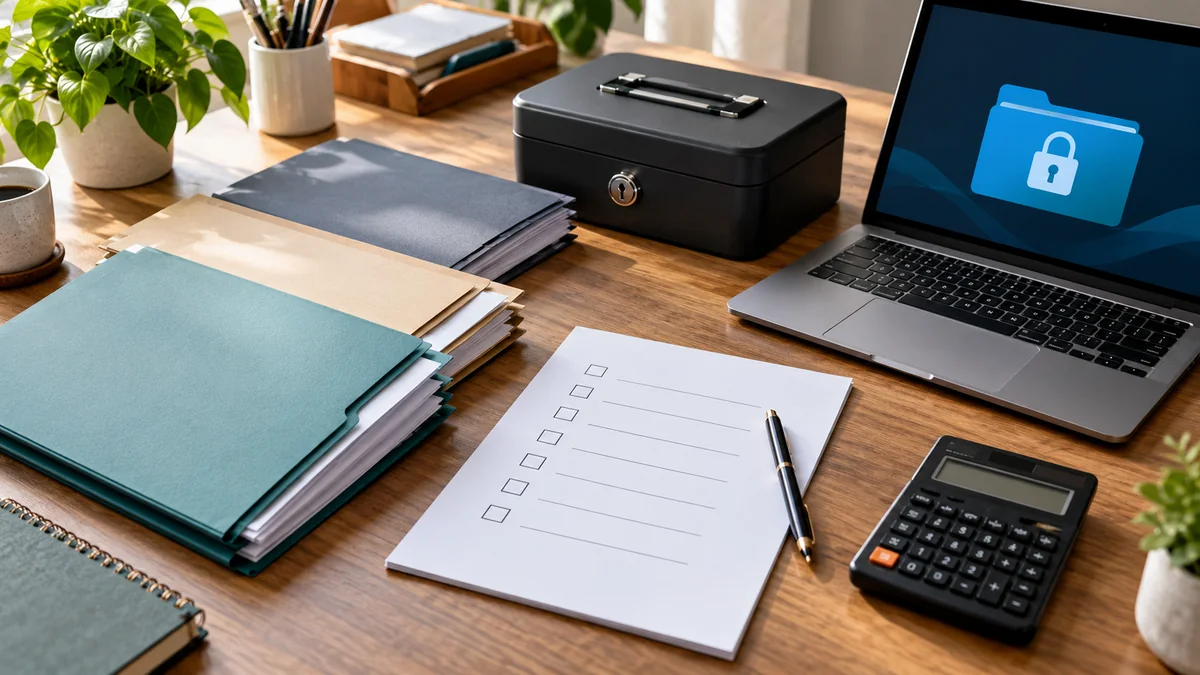
A personal finance documents checklist is useful when you need to file taxes, question a charge, renew insurance, apply for a loan, or help a family member during an emergency. The goal is not to save every receipt forever. It is to know which records matter, where they live, who can access them, and when they can safely be removed.
This guide provides a practical home filing system for U.S. households. The examples are educational, not individualized legal or tax advice. Record-retention rules vary by document, state, account, and circumstances. Check the applicable agency or a qualified professional before destroying records that may be needed for a claim, audit, dispute, or estate.
Quick answer: the four-folder system
Start with four top-level folders: Current Money for accounts and monthly bills, Taxes and Income for returns and supporting evidence, Assets and Protection for property, insurance and contracts, and Identity and Emergency for vital documents and access instructions. Inside each, separate active records from archive records. Use the same structure for paper and digital files.
If you only have 20 minutes, gather current account statements, your most recent tax return, insurance declarations, and a list of whom to contact in an emergency. Put originals that cannot easily be replaced in secure storage, not a casual desk drawer.
Personal finance documents checklist: 20 records to locate
Use this inventory as a search list, not a demand to collect information you do not need. Mark each record as found, missing, or not applicable. Do not put full account numbers, passwords, or identification numbers in a shared spreadsheet.
| Folder | Record | Why it matters |
|---|---|---|
| Current Money | 1. Checking and savings statements | Confirm balances, deposits and disputed transactions. |
| Current Money | 2. Credit-card statements | Review charges, interest and payment history. |
| Current Money | 3. Loan agreements and payoff information | Find terms, servicers and remaining obligations. |
| Current Money | 4. Monthly bill and subscription list | Identify due dates, renewals and recurring charges. |
| Current Money | 5. Household budget and cash-flow summary | Understand upcoming obligations without searching transactions. |
| Taxes and Income | 6. Filed tax returns | Support amendments, applications and future filings. |
| Taxes and Income | 7. W-2, 1099 and other income statements | Substantiate reported income. |
| Taxes and Income | 8. Deduction and credit supporting receipts | Support items claimed on a return. |
| Taxes and Income | 9. Tax notices and correspondence | Track deadlines, responses and adjustments. |
| Taxes and Income | 10. Self-employment income and expense records | Reconcile business activity where applicable. |
| Assets and Protection | 11. Home deed, lease or mortgage papers | Establish rights, terms and ownership history. |
| Assets and Protection | 12. Vehicle title and financing documents | Support registration, sale and payoff. |
| Assets and Protection | 13. Insurance policies and declarations | Find coverage, deductibles and claims contacts. |
| Assets and Protection | 14. Home improvements and major purchase receipts | Help with warranty, claims and potential tax basis. |
| Assets and Protection | 15. Retirement and investment account statements | Track beneficiaries, allocations and account providers. |
| Identity and Emergency | 16. Birth, marriage and other vital records | Establish identity or family relationships. |
| Identity and Emergency | 17. Estate documents and powers of attorney | Help authorized people act when needed. |
| Identity and Emergency | 18. Emergency contacts and provider list | Reduce delays after a disruption. |
| Identity and Emergency | 19. Benefits and healthcare coverage documents | Find plan information and claims details. |
| Identity and Emergency | 20. Secure access and recovery instructions | Explain where passwords and recovery methods are stored without exposing them. |
Build a system you can maintain in one afternoon
Step 1: make a map before scanning anything
Write the four folder names on paper. For each record, note its current location and whether it is a physical original, a downloaded PDF, or an online-only statement. A simple index can contain the document type, institution, year, location and review date. Avoid storing sensitive numbers in that index. If you have a spouse or trusted household member, agree on consistent folder names first.
Step 2: decide what needs a paper original
Some documents, including deeds, signed legal instruments and identity records, may need originals for specific transactions. Store these in a secure, appropriate place and keep an access plan for authorized people. A scan is a convenient backup, not necessarily a legal substitute for every original. Ask the issuing authority if a certified copy is required.
Step 3: choose readable digital filenames
A practical pattern is YYYY-MM_document-type_institution.pdf. For example, 2026-09_bank-statement_checking.pdf tells you what a file is without exposing an account number. Keep a folder per tax year and a separate folder for ongoing property records. Never email a folder of sensitive scans to yourself just to move it between devices; use an appropriately protected transfer method.
Step 4: protect access and backups
Use device encryption, a reputable password manager, strong unique passwords and multifactor authentication where available. Restrict shared-folder permissions. Keep an encrypted backup separate from the primary device and periodically test whether a sample file can be restored. For paper originals, choose storage that reduces risks from unauthorized access, fire and water. The Consumer Financial Protection Bureau’s emergency preparation guidance recommends collecting key account and contact information and keeping copies secure.
How long should you keep financial documents?
Retention is the most important place to avoid an oversimplified universal rule. The Federal Trade Commission’s consumer guidance separates records often kept for about a year, tax-related records that may need at least three years, ownership records kept while relevant, and vital records preserved indefinitely. These are general categories, not a substitute for a specific legal obligation.
For U.S. federal taxes, the IRS recordkeeping guidance explains that the common assessment period is three years but some circumstances extend it to six years, seven years, or no limit. Property-basis records may need to be kept until the limitation period for the tax year of a later disposition has expired. If you have unresolved disputes, open claims, business obligations, or state requirements, pause before discarding anything related.
| Record type | Practical review trigger | Important exception |
|---|---|---|
| Routine statements and paid bills | Review after reconciliation and availability of secure digital copies | Keep longer if they support taxes, claims or disputes. |
| Tax returns and supporting records | Review against IRS and state limitation rules | Special income, losses, property and unfiled-return cases can extend periods. |
| Property and vehicle records | Review after sale, payoff or disposal | Tax-basis and ownership evidence may be needed later. |
| Insurance and warranty records | Review after coverage or warranty ends | Open claims can require longer retention. |
| Vital and estate documents | Review accuracy and location periodically | Do not routinely discard irreplaceable originals. |
A 30-minute monthly maintenance routine
Spend five minutes downloading statements you actually need. Spend ten minutes reconciling unusual transactions and checking that bills and loan payments were recorded. Spend five minutes filing new tax or insurance documents. Spend five minutes reviewing backup health and account access. Use the last five minutes to note one follow-up, such as a missing document or a beneficiary review. This is a suggested workflow, not a promise that every household can finish in half an hour.
For households with irregular income, pair this review with a paycheck budgeting plan or a simple cash-flow calendar. If you freelance, your business receipts may need a separate system; the freelance business expenses checklist can help define that boundary. A folder structure supports better decisions only when the numbers themselves are checked.
Three real-life situations and what to retrieve
A suspicious card charge
Find the relevant statement, transaction date, merchant and the issuer’s dispute instructions. Contact the issuer promptly using a verified channel, not a phone number in a suspicious message. Preserve correspondence and a dated note of your actions. Do not wait for your next monthly filing session if a reporting deadline may apply.
A mortgage or rental application
Collect the documents the lender or landlord actually requests, such as income evidence, bank statements or identity records. Verify the recipient before sending sensitive information. Do not share entire financial folders when a narrower document will do. Keep a record of what you provided and when.
A household emergency
An authorized family member should be able to find provider contact details, insurance policies, identification documents and instructions for accessing protected records without discovering passwords written in an open notebook. Review who has authority to act; being a relative does not automatically grant access to every account. The CFPB emergency guide offers a useful starting point.
Common mistakes that make an archive less useful
Keeping every receipt indefinitely creates noise and increases exposure if files are lost. Storing everything in a single unencrypted cloud folder makes sharing mistakes more costly. Using filenames such as scan003.pdf makes records hard to find. Assuming a PDF backup is current can cause trouble when a policy or beneficiary has changed. Finally, a filing system is not a substitute for reviewing statements, insurance limits, account fees or debt terms.
For a broader starting point, review the financial independence habits checklist. For keeping digital folders manageable, see the digital declutter checklist. The two tasks complement each other: one decides what financial evidence matters, the other keeps everyday files organized.
Personal finance documents checklist: printable quick version
- Locate all four folder categories.
- Mark the 20 document types as found, missing or not applicable.
- Secure original identity, property and estate records.
- Store digital copies with clear names and restricted access.
- Confirm tax and other retention periods before destroying anything.
- Set a monthly 30-minute review and a twice-yearly access check.
- Test one backup restoration rather than assuming it works.
Bottom line: the best system is the smallest secure one that lets you retrieve the right evidence when it matters. Start with a reliable index, keep legal originals safe, and review the archive on a predictable schedule.
Frequently asked questions
Can I keep financial documents only in digital form?
Many routine statements can be stored digitally, but some transactions require originals or certified copies. Confirm the rule with the issuing authority or professional before discarding original legal or identity documents. Protect digital copies with encryption and a tested backup.
Is three years always enough for tax records?
No. The IRS describes a common three-year period and longer periods for specific circumstances. State rules, property records, claims and other situations may require more time. Check current rules before disposal.
Should my family have my passwords in an emergency binder?
A visible list of passwords is risky. Instead, document where your secure password manager and authorized recovery instructions are kept, and make sure the appropriate people know how to follow lawful access procedures.